
Top 5 WordPress performance plugins: how to improve Core Web Vitals
Author: Rostyslav Wirt
Table of content:
- 1. WP Rocket
- Pros
- Cons
- 2. LiteSpeed Cache
- Pros
- Cons
- +12 Show all
Although manual optimization provides the best long-term results, not every website owner has the technical knowledge or time to configure servers, optimize assets, or modify theme code.
Fortunately, several mature WordPress plugins can automate many common performance improvements.
Keep in mind that no plugin can compensate for slow hosting, a poorly coded theme, or dozens of unnecessary third-party scripts. Think of these plugins as optimization tools—not miracle solutions.
1. WP Rocket
Best for: Most business websites
WP Rocket is one of the most popular premium performance plugins because it works well immediately after activation.
Key features include:
- Page caching
- Browser caching
- CSS optimization
- JavaScript optimization
- Remove unused CSS
- Lazy loading
- Database cleanup
- Delay JavaScript execution
- Preloading cache
- CDN integration
Pros
- Beginner-friendly
- Excellent documentation
- Fast setup
- Reliable updates
- Compatible with most themes and plugins
Cons
- Premium only
- Some advanced websites may still require manual optimization
2. LiteSpeed Cache
Best for: Websites hosted on LiteSpeed servers
LiteSpeed Cache is arguably the most powerful free optimization plugin available—but only if your hosting provider uses LiteSpeed.
Features include:
- Server-level page caching
- Image optimization
- Critical CSS generation
- Object caching
- Browser caching
- CSS/JS minification
- CDN support
- Database optimization
- Guest mode optimization
Pros
- Free
- Extremely fast
- Server-level cache
- Rich feature set
Cons
- Full caching features require LiteSpeed hosting
3. FlyingPress
Best for: Advanced performance optimization
FlyingPress has earned an excellent reputation among WordPress developers because it focuses heavily on Core Web Vitals.
Features include:
- Remove unused CSS
- Delay JavaScript
- Image optimization
- Lazy loading
- Font optimization
- Critical CSS
- Cache preloading
Pros
- Excellent Core Web Vitals improvements
- Modern optimization techniques
- Frequent updates
Cons
- Premium plugin
4. Perfmatters
Best for: Removing unnecessary WordPress bloat
Unlike traditional cache plugins, Perfmatters focuses on disabling features that WordPress loads by default.
Examples include:
- Emojis
- Embeds
- Dashicons
- XML-RPC
- WooCommerce scripts
- Heartbeat API
- REST API options
- Script manager
Its Script Manager allows developers to disable CSS and JavaScript on individual pages.
This alone can dramatically improve performance.
Pros
- Lightweight
- Excellent for developers
- Removes unnecessary assets
Cons
- Doesn’t include page caching
5. Autoptimize
Best for: Free frontend optimization
Autoptimize focuses primarily on frontend optimization.
Features include:
- CSS minification
- JavaScript minification
- HTML optimization
- Font optimization
- Lazy loading
- CDN integration
Pros
- Free
- Easy to configure
- Works well with many cache plugins
Cons
- Doesn’t replace page caching
Which Plugin Should You Choose?
There isn’t a universal answer.
Generally speaking:
| Website Type | Recommended Plugin |
|---|---|
| Small blog | LiteSpeed Cache or Autoptimize |
| Business website | WP Rocket |
| WooCommerce store | FlyingPress or WP Rocket |
| LiteSpeed hosting | LiteSpeed Cache |
| Developer-managed website | Perfmatters + server caching |
Remember that combining multiple optimization plugins often creates conflicts.
One well-configured plugin usually performs better than several overlapping solutions.
Core Web Vitals Optimization Checklist
Before testing your website again, verify the following:
✅ Fast hosting
✅ Latest PHP version
✅ HTTP/2 or HTTP/3 enabled
✅ WebP or AVIF images
✅ Proper image dimensions
✅ Responsive images
✅ Hero image preloaded
✅ Lazy loading enabled
✅ JavaScript deferred
✅ Unused JavaScript removed
✅ Unused CSS removed
✅ Fonts optimized
✅ Browser caching enabled
✅ Gzip or Brotli enabled
✅ CDN configured (if needed)
✅ Database cleaned
✅ Plugins audited
✅ Third-party scripts minimized
You should run performance tests:
- After redesigning your website
- After changing themes
- After installing new plugins
- Before launching marketing campaigns
- After WordPress updates
- Every few months as part of routine maintenance
Regular testing helps identify performance regressions before they impact users.
Final Thoughts
Core Web Vitals are no longer just technical metrics—they’re a direct reflection of your visitors’ experience.
Improving them requires a combination of fast infrastructure, clean code, optimized assets, and ongoing maintenance. While optimization plugins can automate many tasks, the biggest performance gains often come from thoughtful development practices and eliminating unnecessary complexity.
If you’re building or maintaining a WordPress website, treat performance as an ongoing process rather than a one-time project. Monitor your metrics, review your plugins regularly, optimize new content before publishing, and keep your hosting environment up to date.
A faster website doesn’t just improve Google rankings—it creates a smoother, more enjoyable experience for every visitor, increasing engagement, conversions, and long-term success.
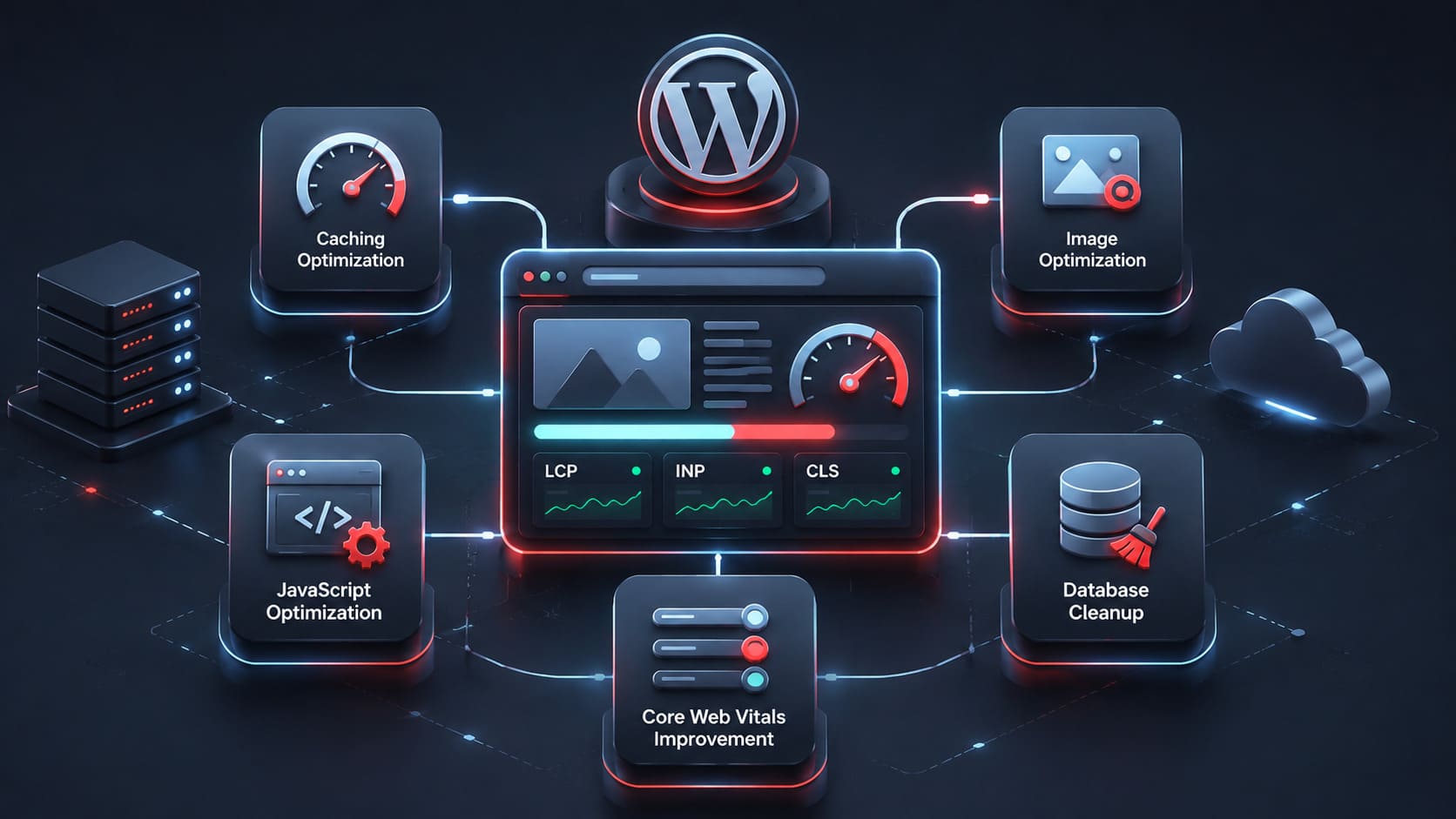
Questions We Hear Most Often
Related Articles
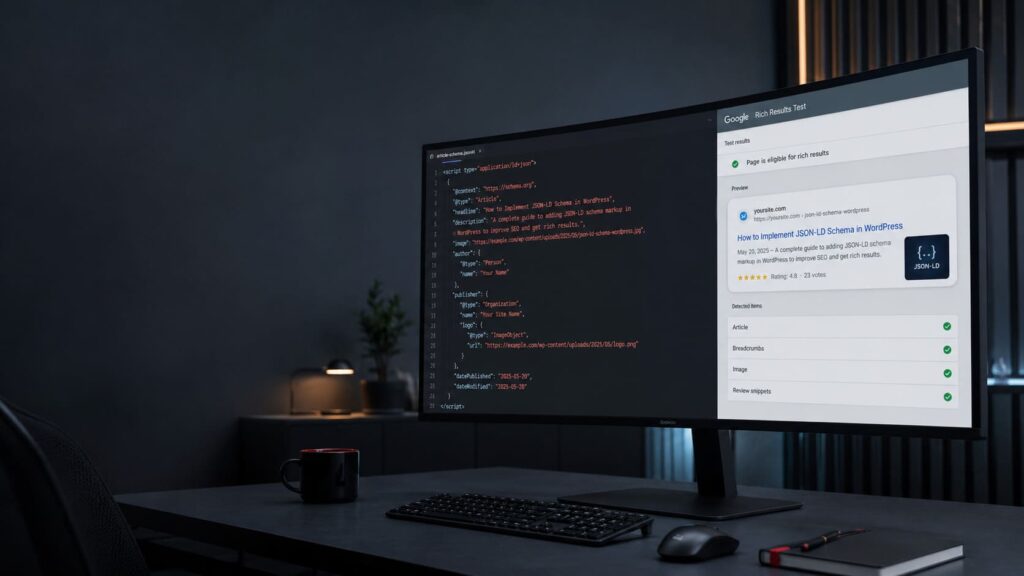
Rating Schema: Best Practices for SEO and Structured Data
Rating schema is one of the most valuable types of structured data for websites that collect reviews, ratings, and user feedback. By implementing Schema.org rating markup, website owners can help search engines better understand their content and provide additional context about products, books, software, courses, and other rated entities.
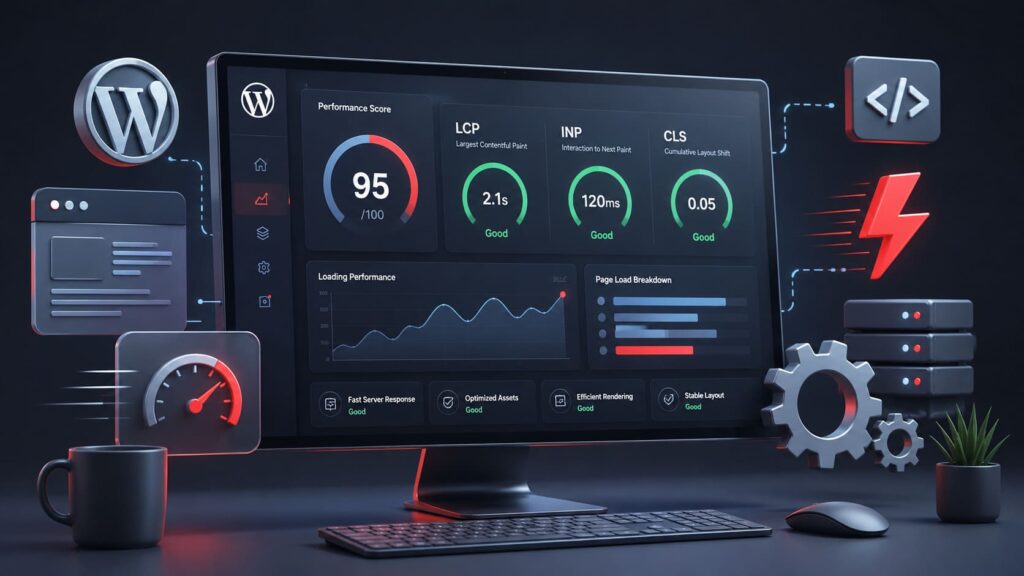
How to Improve Core Web Vitals for a WordPress Website
Improve your WordPress website performance with practical Core Web Vitals optimization techniques. Learn how to fix slow loading, poor LCP, INP, CLS issues, and improve Google PageSpeed scores without relying only on plugins.

My Honest Take on Elementor: Powerful Builder or Long-Term Trap?
Elementor is one of the most popular WordPress page builders, praised for its flexibility and visual editing. But behind the convenience lie several serious technical drawbacks. In this article, I share both the strengths and the hidden problems of Elementor, from database bloat to scalability and SEO challenges.

AI Development: Pros and Cons: Is AI Creating Better Developers or Making Them Dependent?
Artificial intelligence is transforming software development faster than any technology before it. As developers rely more on AI, they may gradually lose essential coding skills, become dependent on expensive AI tools, and face a changing job market where technical expertise alone is no longer enough.