
Custom WordPress Plugin Development
Table of content:
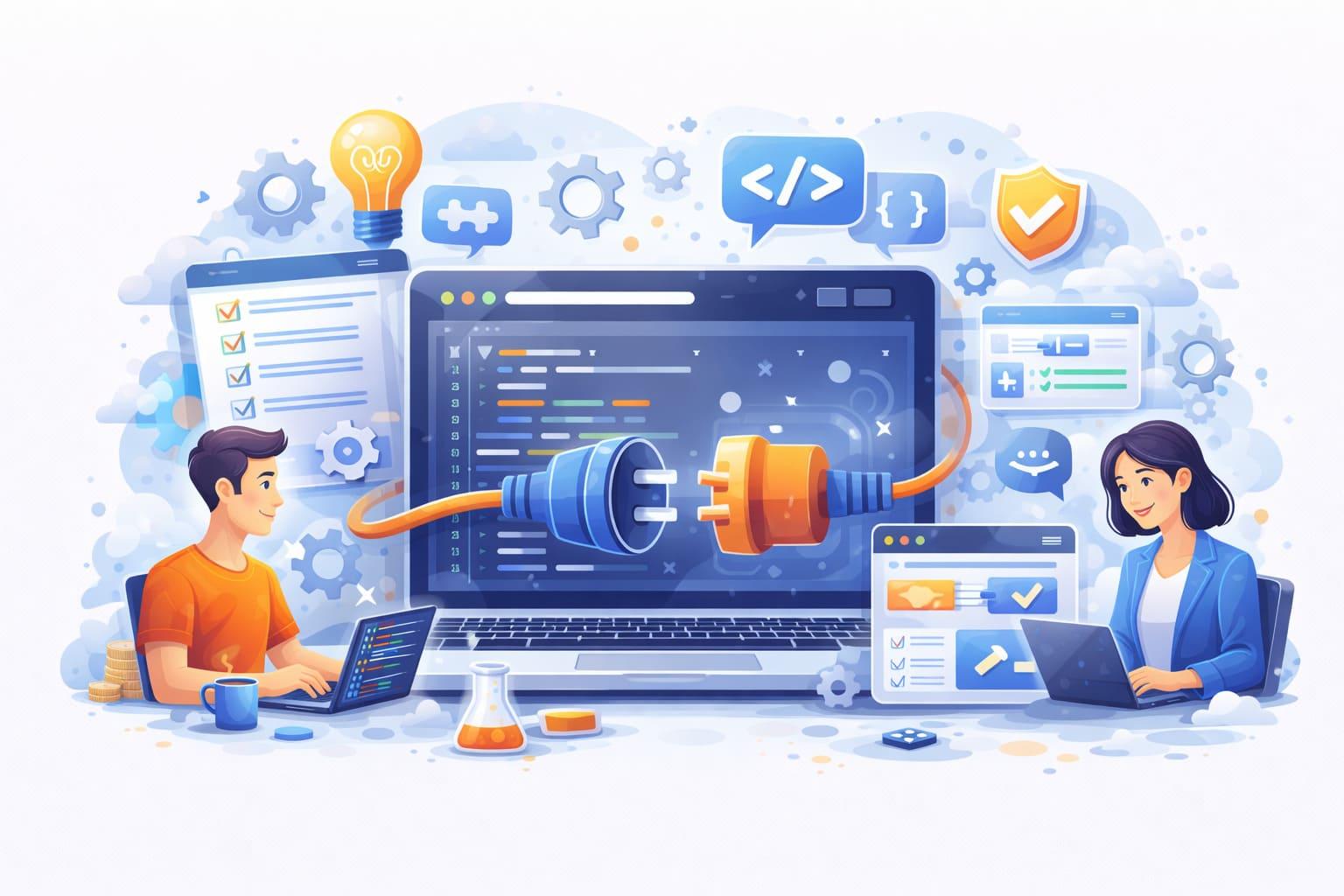
Custom plugin development allows a website to gain functionality that cannot be achieved with standard themes or ready-made plugins. A well-built plugin integrates seamlessly with WordPress, follows coding standards, and is designed to be maintainable, secure, and scalable. Professional development involves several stages, from planning and architecture to testing and long-term support.
Requirements Analysis and Planning
Every plugin begins with a clear understanding of the business requirements. During this stage, the goals of the plugin are defined: what functionality it should add, how it will interact with the website, and which users will work with it.
The developer analyzes the existing WordPress environment, including the theme, installed plugins, database structure, and server configuration. This helps prevent conflicts and ensures that the new functionality integrates properly with the current system.
A detailed specification is created that describes plugin features, user roles, database requirements, API integrations, and administrative interfaces. Proper planning at this stage reduces development time and prevents architectural issues later.
Architecture and Technical Design
Once the requirements are defined, the next step is designing the plugin architecture. A good plugin should follow WordPress coding standards and use a modular structure so that each component has a clear responsibility.
The architecture typically includes:
- core plugin bootstrap file
- separate classes for functionality
- admin interface modules
- database handling
- REST API endpoints if needed
- frontend integration components
Hooks and filters are carefully planned so the plugin integrates naturally with WordPress instead of overriding core behavior. Security considerations are also addressed at this stage, including nonce validation, data sanitization, and permission checks.
UI/UX Design for Admin Interfaces
If the plugin includes settings pages, dashboards, or custom admin tools, the user interface is designed before implementation. The goal is to make the functionality intuitive for administrators and editors.
The design stage includes:
- layout of settings pages
- form structure and fields
- data management interfaces
- user interaction flows
Modern plugins often include dynamic elements such as AJAX interactions or JavaScript components to improve usability and reduce page reloads.
Development and Implementation
After the architecture and interface design are finalized, the development phase begins. The plugin is built step by step, starting with the core structure and activation logic.
Typical implementation tasks include:
- registering custom post types or taxonomies
- creating database tables if needed
- implementing admin settings pages
- integrating WordPress hooks and filters
- building REST API routes
- developing frontend functionality
- adding JavaScript interactions when necessary
The code is written following WordPress Coding Standards to ensure readability, maintainability, and compatibility with other plugins and themes.
Performance is also considered during development. Efficient database queries, proper caching strategies, and optimized asset loading help keep the website fast.
Integration with External Services
Many custom plugins require integration with third-party services such as payment gateways, APIs, CRM systems, or marketing platforms. During this stage the plugin communicates with external services securely using APIs.
Authentication methods, data validation, and error handling are implemented to ensure reliable communication between the WordPress site and the external service.
Security Implementation
Security is a critical part of plugin development. All user input is sanitized and validated, and permissions are carefully checked to prevent unauthorized actions.
Key security practices include:
- nonce verification for forms
- escaping output data
- sanitizing input values
- capability checks for user roles
- secure API communication
These measures protect the website from common vulnerabilities such as cross-site scripting or unauthorized access.
Testing and Quality Assurance
Before deployment, the plugin goes through extensive testing. Functional testing verifies that all features work correctly, while compatibility testing ensures the plugin works with different themes, WordPress versions, and popular plugins.
Testing also includes:
- performance checks
- database integrity validation
- error handling verification
- security testing
Any bugs discovered during testing are fixed before the plugin is released.
Deployment and Ongoing Support
After successful testing, the plugin is deployed to the live environment. Installation procedures are verified, and documentation may be provided for administrators who will use the plugin.
Long-term support may include updates for new WordPress versions, feature improvements, and security patches. Proper maintenance ensures that the plugin remains stable and compatible as the website evolves.
Custom WordPress plugin development provides businesses with tailored functionality built specifically for their workflow. With careful planning, structured development, and thorough testing, a custom plugin becomes a reliable and scalable part of a professional WordPress website.
Recommended Services
Explore other services that can help improve performance, stability and growth of your website.
API integration

Code Refactoring and Architecture Improvement

Website Bug Fixing Service

Website Audit Service
WooCommerce Development

Seo optimisation

Website Testing and Bug Hunting

Custom WordPress Theme Development
WordPress Development

Website Support and Maintenance Services

MVP Development

Technical Consulting for Web Development

Website Redesign and Rebranding Services