
Smart FAQ Block for WordPress: Add FAQ Sections and FAQ Schema with Gutenberg
Author: Rostyslav Wirt
Table of content:
Frequently asked questions (FAQ) are a useful part of many WordPress websites. They help visitors find answers quickly, reduce uncertainty before taking action, and provide a structured way to explain products, services, policies, and other important information.
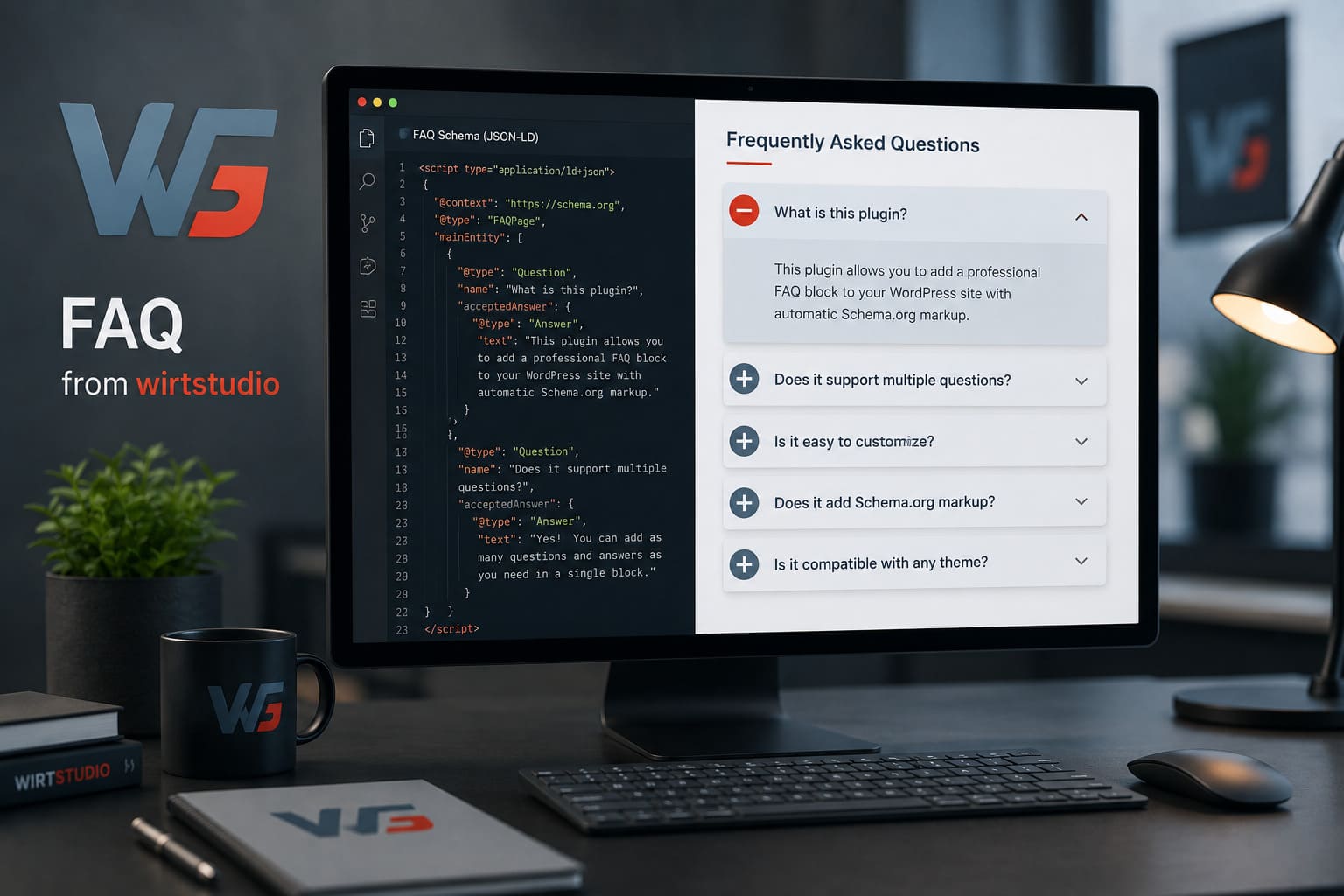
Wirt FAQ Block is a WordPress plugin developed by Wirt Studio that adds a dedicated FAQ block to the Gutenberg editor. It combines an interactive accordion-style FAQ interface with automatic FAQPage Schema.org structured data, while providing centralized visual customization options through the WordPress settings screen.
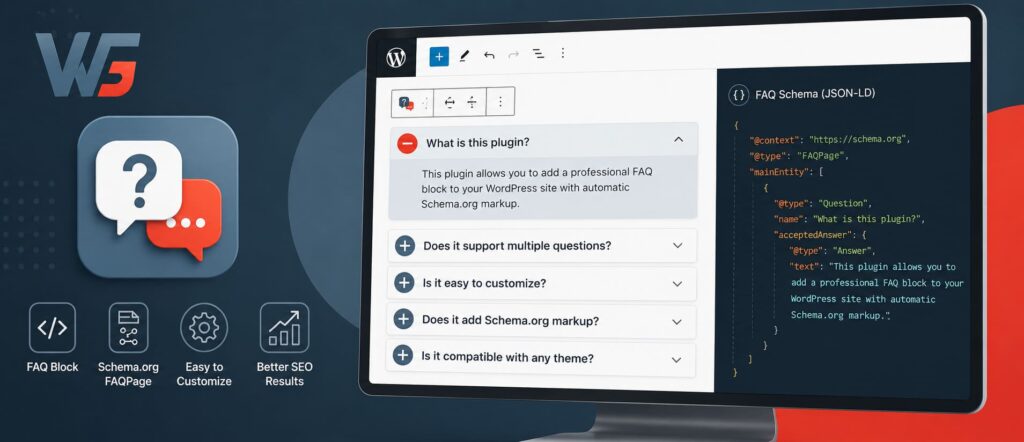
The plugin is designed for websites that want a professional FAQ section without building the component manually with custom HTML, JavaScript, or JSON-LD.
Features
Wirt FAQ Block focuses specifically on creating and managing FAQ sections in WordPress while giving site owners control over their appearance.
Key features include:
- A dedicated Gutenberg FAQ block.
- Multiple questions and answers within a single block.
- Automatic
FAQPageSchema.org structured data. - JSON-LD structured data generation.
- Custom FAQ block inner spacing.
- Adjustable border radius.
- Adjustable top and bottom vertical spacing.
- Custom FAQ background color and opacity.
- Separate colors for questions and answers.
- Custom question background and hover colors.
- Custom answer background color.
- Custom FAQ icon color.
- Built-in visual FAQ preview on the plugin settings page.
- Interactive expandable and collapsible FAQ preview.
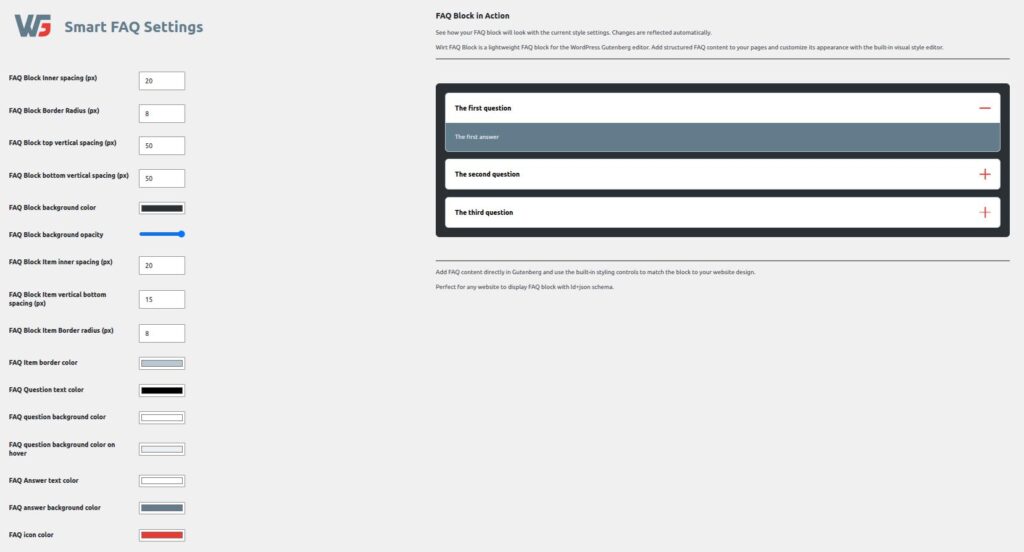
The settings page provides a centralized place to control the visual appearance of the FAQ component. The available options include spacing, border radius, background colors, text colors, hover colors, opacity, and icon color.
This makes it possible to adapt the FAQ component to different WordPress themes and brand identities without modifying the plugin’s source code.
Add an FAQ to Your Website with Gutenberg
Wirt FAQ Block is built around the WordPress Block Editor, commonly known as Gutenberg.
Instead of inserting a shortcode or manually constructing an accordion component, you can add the FAQ block directly to the page or post where you need it. WordPress describes blocks as the fundamental elements of the modern Block Editor, with each block representing an individual piece of content or functionality.
After installing and activating Wirt FAQ Block, open a page or post in the Gutenberg editor and insert the FAQ block from the block inserter. You can then add your questions and answers directly inside the editor.
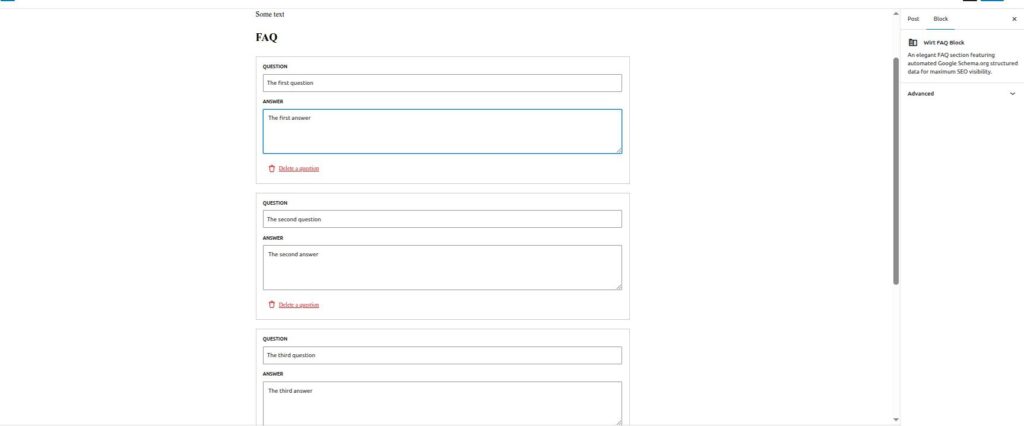
A typical workflow is simple:
- Open a post or page in Gutenberg.
- Add the Wirt FAQ block.
- Enter your questions.
- Add the corresponding answers.
- Publish or update the page.
The FAQ component can contain multiple question-and-answer pairs, allowing you to create a complete FAQ section without adding separate components for every question.
This approach also fits naturally into WordPress’s block-based editing model. The Block Editor is specifically designed around modular content that can be added, edited, and arranged directly on the page.
FAQ Schema with Automatic JSON-LD
One of the most important features of Wirt FAQ Block is automatic structured data generation.
When you create an FAQ, the plugin can generate FAQPage structured data based on the questions and answers contained in the block. This uses Schema.org vocabulary and JSON-LD to communicate the FAQ structure to search engines.
Without a dedicated solution, implementing structured data manually can require adding and maintaining JSON-LD code alongside the visible FAQ content. Wirt FAQ Block connects the two: the content entered into the Gutenberg FAQ block is used to generate the corresponding structured data.
Google introduced support for FAQ structured data to help search engines understand pages containing questions and answers.
However, structured data should not be treated as a guarantee of enhanced search results. Google states that correctly implemented structured data does not guarantee that a page will receive a rich result.
There is also an important current limitation to understand. Google changed its FAQ rich-result policy in 2023, limiting regular FAQ rich results primarily to well-known, authoritative government and health websites. For most other websites, valid FAQ structured data does not normally result in the traditional expanded FAQ treatment in Google Search.
That does not make structured data pointless. It remains a standardized way of describing the relationship between questions and answers to search engines and other systems that consume structured web data.
Customize the FAQ Design
Different websites have different visual identities, so a generic FAQ component does not always fit.
Wirt FAQ Block provides centralized styling controls through its settings page. You can adjust the overall FAQ block spacing and border radius, configure its background and opacity, and select separate colors for questions and answers.
The plugin also provides dedicated controls for question hover states and the FAQ icon.
This is particularly useful for agencies, developers, and site owners who need an FAQ component to match an existing website design.
For example, an agency can configure the FAQ colors once and then use the same visual language across pages containing FAQ sections.
Visual FAQ Preview
Another useful part of the plugin is the visual preview built directly into the settings page.
Instead of changing several settings and repeatedly opening a frontend page to check the result, administrators can see an interactive FAQ example directly on the settings screen. The preview demonstrates the expandable FAQ interface and reflects the component’s visual design.
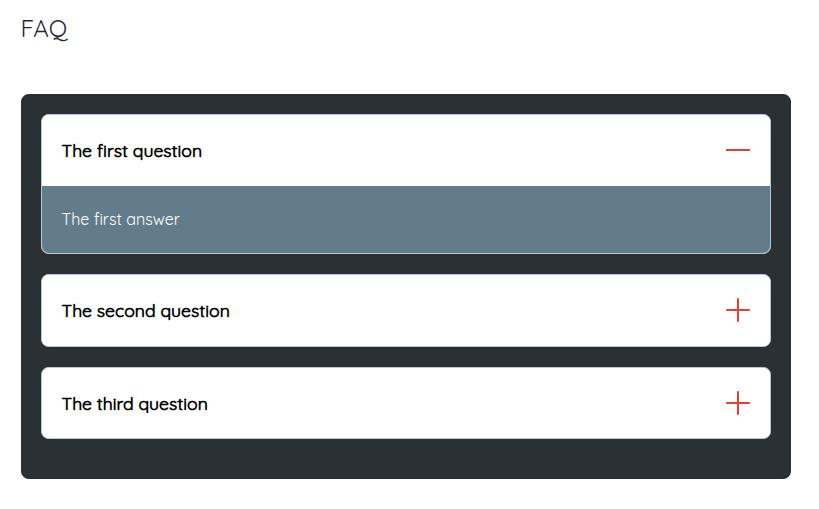
The preview includes multiple FAQ items, an open answer, question controls, and the expandable/collapsible interaction used by the component.
This gives administrators a quick way to understand how the configured FAQ design will look before using it throughout the website.
Why Use a Dedicated WordPress FAQ Block?
An FAQ section may look simple on the frontend, but a good implementation has several components: content structure, interaction, styling, accessibility considerations, and structured data.
A dedicated Gutenberg block brings these elements together in a reusable WordPress component.
This is also consistent with the architecture of the Block Editor. WordPress provides APIs specifically for plugins and themes to register their own blocks and extend the editor’s functionality.
For developers, this means the FAQ functionality can remain part of the plugin rather than being tightly coupled to a particular theme. For content editors, it means the FAQ can be managed from the same block-based interface used for the rest of the page.
A Practical FAQ Solution for WordPress
Wirt FAQ Block for Editor is designed around a straightforward idea: make professional FAQ sections easier to create in WordPress while handling the technical structured-data layer automatically.
It provides a dedicated Gutenberg block for questions and answers, automatic FAQPage JSON-LD generation, centralized design controls, and a visual preview in the WordPress administration area.
For business websites, service websites, blogs, documentation pages, and other WordPress projects that regularly use frequently asked questions, this provides a practical way to add structured and customizable FAQ sections without manually building an accordion component from scratch.
If you are looking for a WordPress FAQ plugin with Gutenberg integration and automatic FAQ Schema markup, Wirt FAQ Block for Editor provides the essential functionality in a focused, purpose-built block.
Related Articles
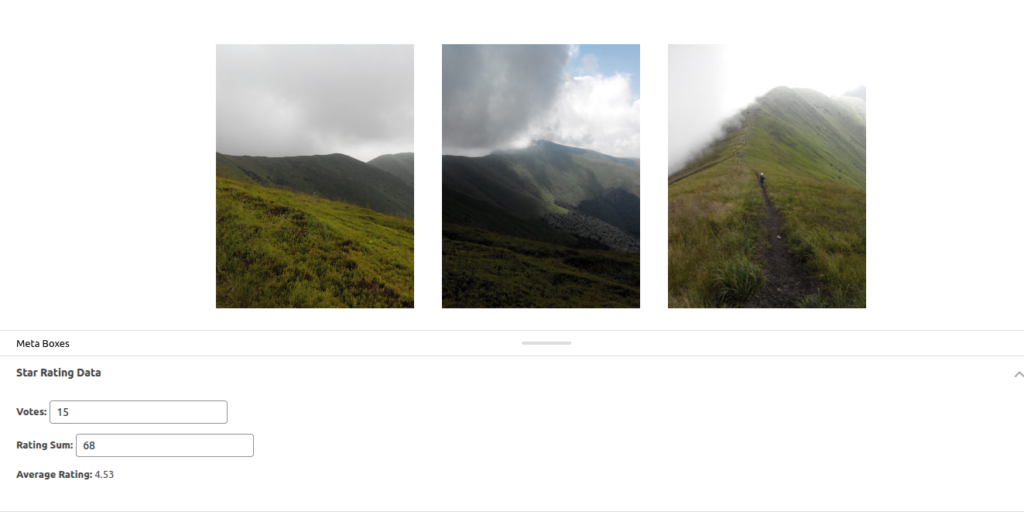
Wirt Star Rating – Enhance Engagement with Intuitive Star-Based Voting
Wirt Star Rating is a feature-rich WordPress plugin that enables visitors to rate content with clickable stars. Supports posts, pages, products, and custom types, provides real-time feedback, customizable design, and SEO-friendly structured data.
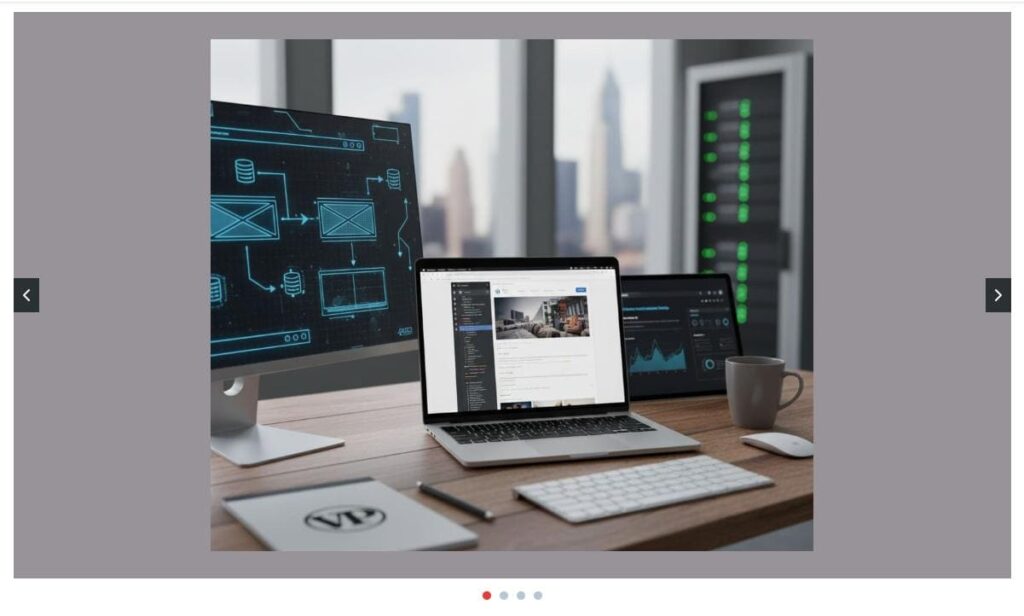
Wirt Slider: Lightweight, Fast, and Easy-to-Use Gutenberg slider plugin
Wirt Slider is a lightweight WordPress plugin designed for simplicity and speed. Add responsive sliders with custom navigation, dots, spacing, and colors directly in Gutenberg.

Wirt Images Checker – A Simple Way to Find Images Without Alt Text in WordPress
Discover how Wirt Images Checker helps you quickly find images with missing or empty alt text in WordPress. Improve accessibility, strengthen SEO, and scan both your Media Library and content before publishing.
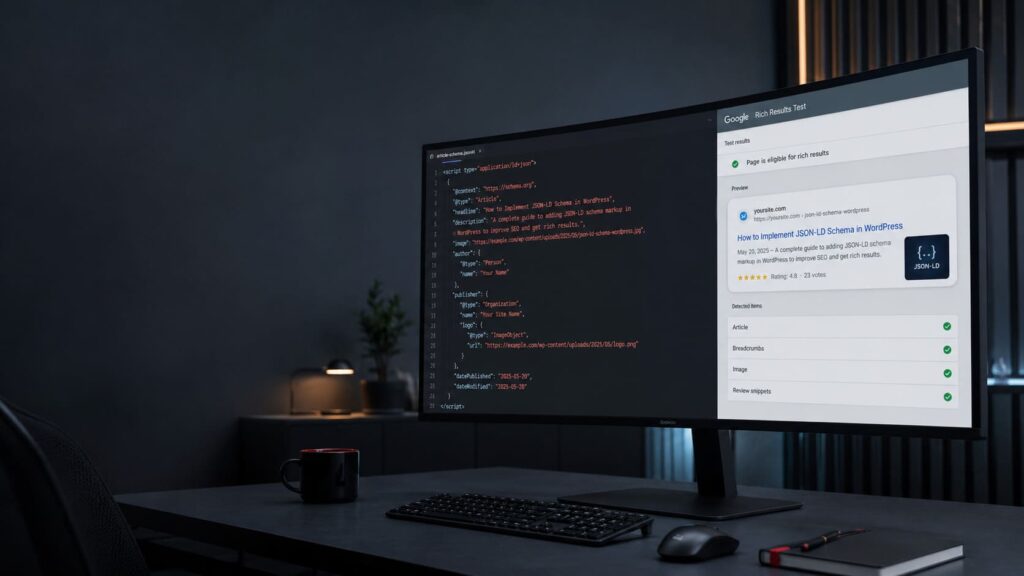
Rating Schema: Best Practices for SEO and Structured Data
Rating schema is one of the most valuable types of structured data for websites that collect reviews, ratings, and user feedback. By implementing Schema.org rating markup, website owners can help search engines better understand their content and provide additional context about products, books, software, courses, and other rated entities.