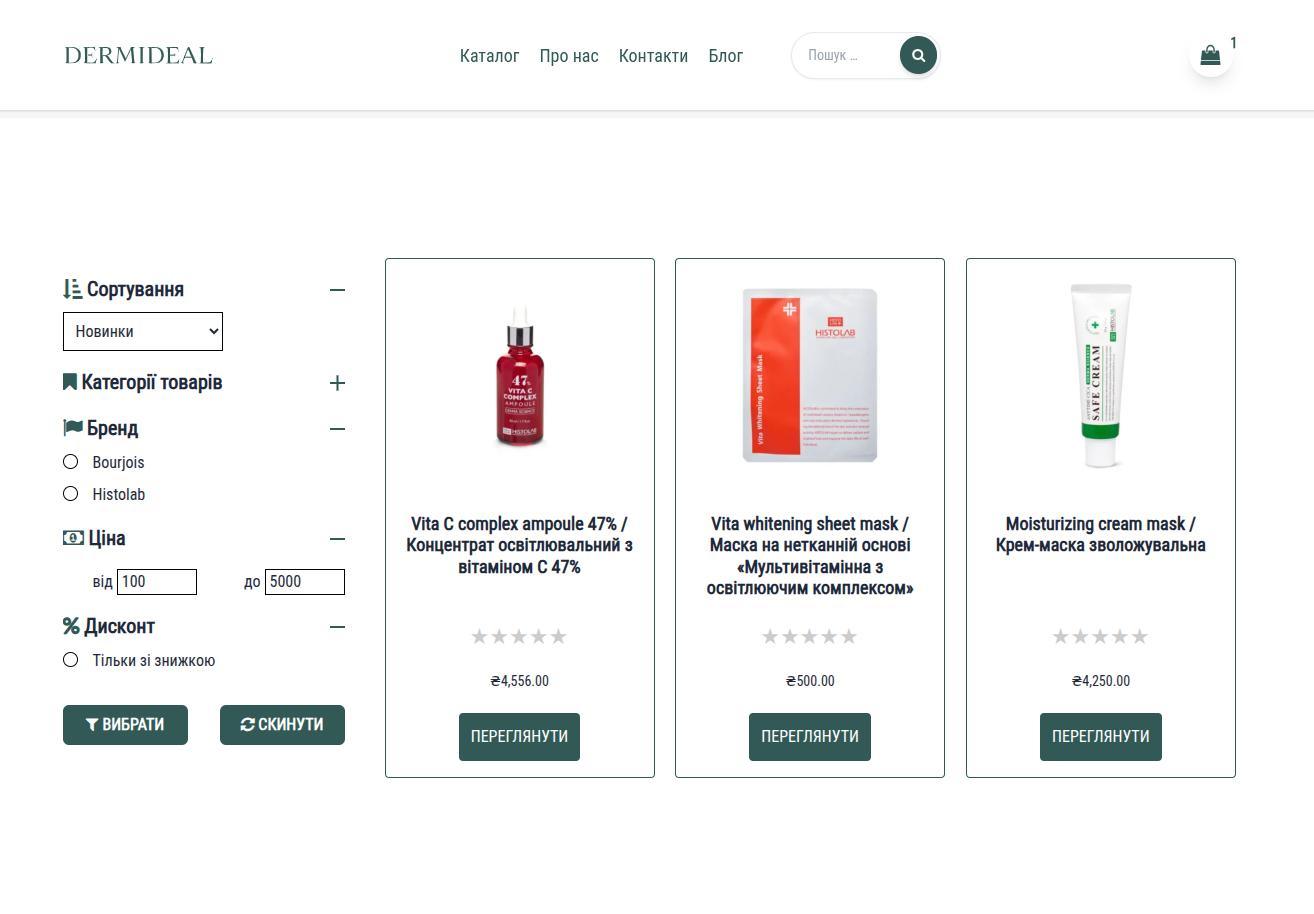
Adwanced product filter
Author: Rostyslav Wirt
Table of content:
General Functionality and Aim
Modern online stores often contain dozens, hundreds, or even thousands of products. When customers visit such a store, their main goal is simple: find the right product as quickly as possible. If navigation is slow or confusing, many visitors leave the site before completing a purchase. An advanced product filter solves this problem by making product discovery fast, intuitive, and convenient.
The custom product filter allows shoppers to narrow down products based on specific criteria. Instead of browsing through multiple pages, visitors can instantly select parameters such as product category, attributes, tags, price ranges, or other characteristics relevant to the store. The results update immediately, showing only the items that match the selected options.
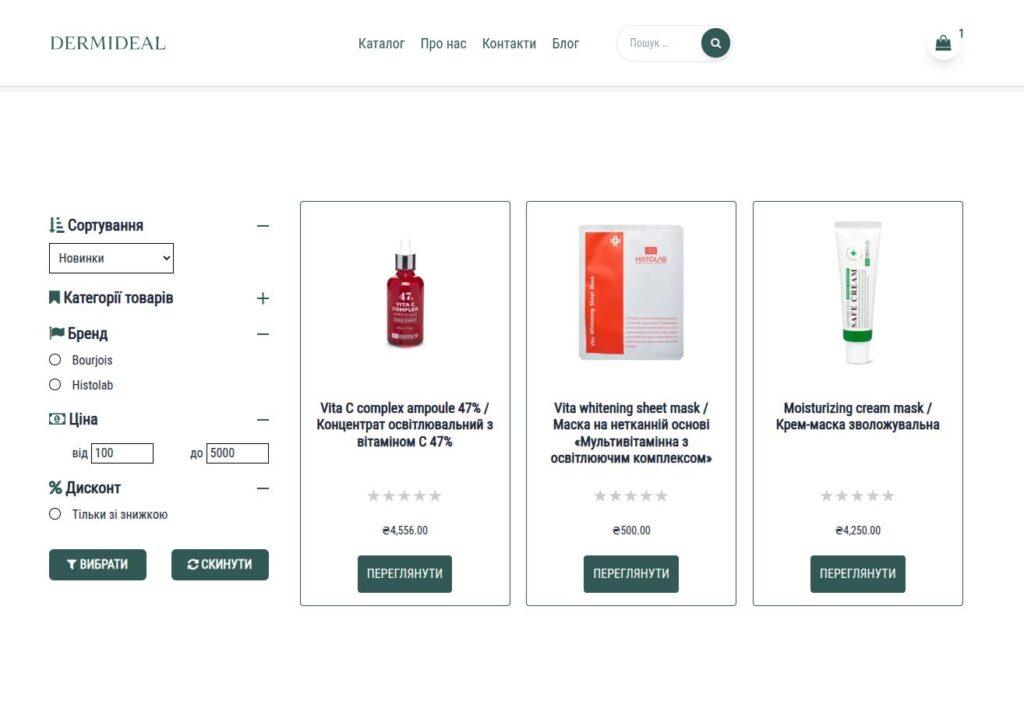
For example, in a clothing store customers may filter by size, color, or brand. In an electronics shop they may filter by specifications, price range, or manufacturer. This flexibility makes the store easier to navigate and significantly improves the user experience.
Another important feature is product sorting. Customers can organize results according to their preferences, such as sorting by price (low to high or high to low), popularity, rating, or newest products. This gives shoppers more control over how products are displayed and helps them quickly compare available options.
The main goal of this system is to reduce the time required for customers to find products. Faster product discovery leads to better engagement and higher conversion rates. Visitors are more likely to stay on the website, explore more products, and complete purchases when the browsing experience feels smooth and responsive.

In addition to improving usability, a well-designed filter also benefits store owners. It allows large product catalogs to remain organized and accessible without overwhelming visitors. As the store grows and more products are added, the filtering system continues to help users navigate efficiently.
Overall, the product filter transforms the shopping experience from simple browsing into a targeted product search, making the store more professional, easier to use, and better suited for modern e-commerce expectations.
Technical Description
The filtering system is built using React on the front-end combined with the WordPress REST API on the back-end. This architecture provides a fast and dynamic interface while keeping the flexibility and stability of a WordPress and WooCommerce environment.
React is responsible for managing the interactive parts of the filtering interface. When a customer selects filter options—such as categories, attributes, or price ranges—React captures these selections and sends them to the server through an API request. The page itself does not reload. Instead, the system updates the product list dynamically, creating a smooth and responsive experience.
The communication between the front-end and the server is handled through the WordPress REST API. Custom API endpoints process filter parameters and return only the products that match the selected conditions. This ensures that the client receives exactly the data needed to display the filtered results.
Because the product data is retrieved asynchronously, the system can update results instantly after each user interaction. This approach significantly improves performance compared to traditional page reload filtering methods.
The architecture also allows the filter to be highly flexible and extensible. New filtering parameters, sorting options, or product attributes can be added without changing the overall structure of the system. The API simply accepts additional parameters and returns the corresponding results.
Another advantage of this setup is scalability. Even with large product catalogs, the server only returns a limited set of products per request, which helps maintain good performance and efficient data transfer.
From a development perspective, separating the interface layer (React) from the data layer (WordPress REST API) makes the system easier to maintain and extend. The filtering logic, data retrieval, and user interface remain organized in clearly defined components.
Together, these technologies create a modern, responsive, and scalable filtering solution that integrates seamlessly with WooCommerce while delivering a smooth shopping experience for customers.